Capture / Import
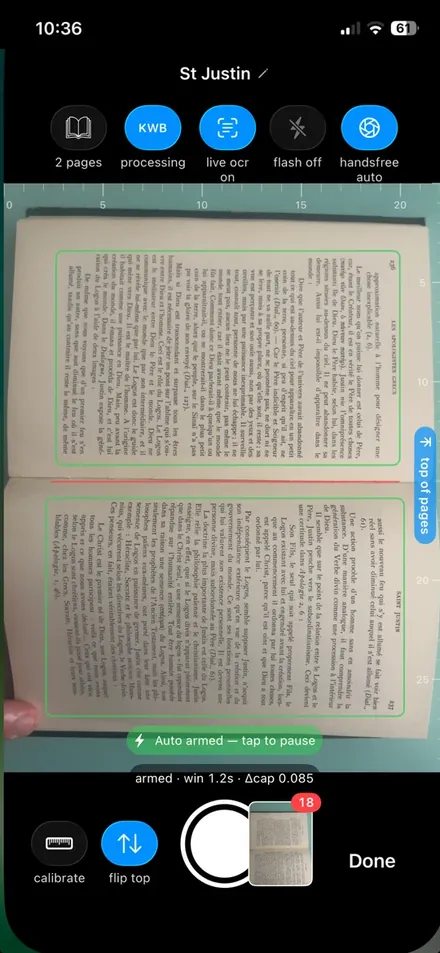
Point your phone or webcam at the page and shoot — hands-free with voice control, no flatbed, no app-switching. Already have files? Import your PDFs and images straight in.
 BOOKSCANNER
 The powerful, fast & free book scanner
From your phone camera to a curated, searchable PDF At your desk, in the library, or wherever you are. No flatbed, no bulky rig: just you and your phone.
Every build runs the page-dewarp fit on the CPU — the LM solver needs no GPU. Prefer a package manager? CLI install.
The macOS · Windows · Linux desktop app is free & source-available. The iOS app is free too, but closed-source.
FREE No paywall
no in-app purchase
no subscription
Coming soon on your iPhone
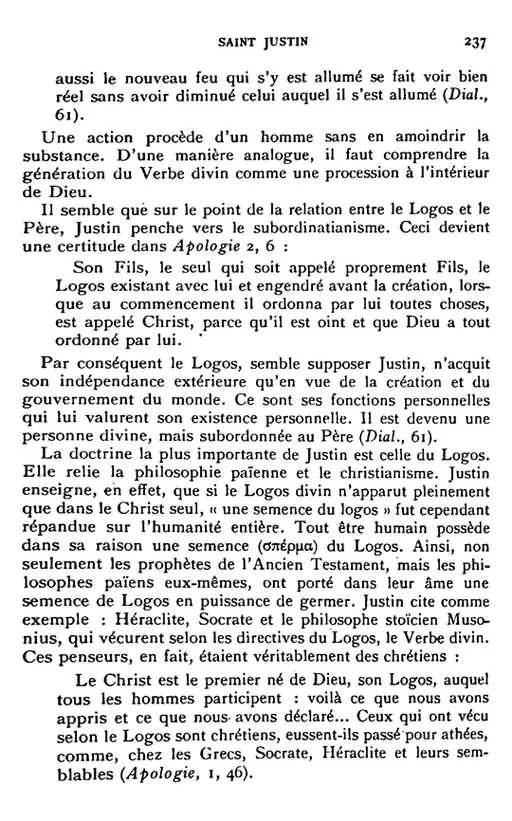
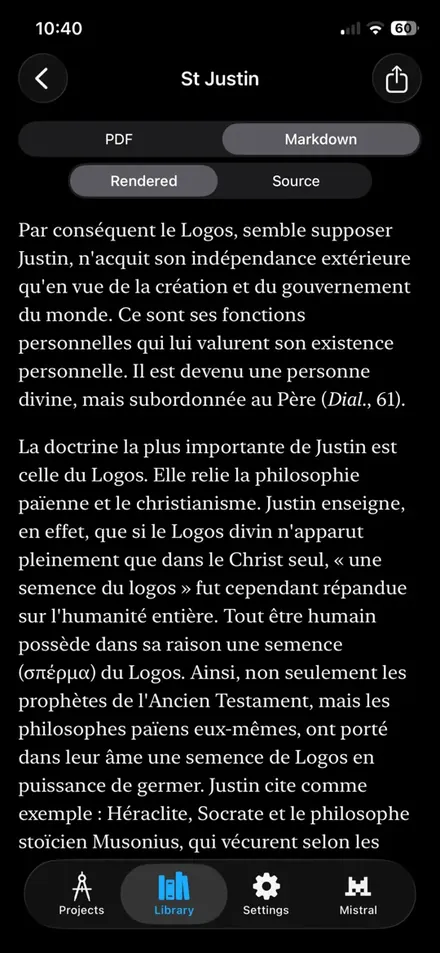
You don't have to endure endless flatbed scanning sessions either.
Curved pages, skew, perspective, uneven illumination,
and dozens of issues that make you go « eewww… » when you look at your documents.
Aglaïa turns the camera and the laptop you already have into a proper scanner.
All automatic. Fully customizable.
The following examples were all run with default settings. No fiddling needed — and when one page needs it, you can still edit that page's crop, rotation and dewarp by hand.
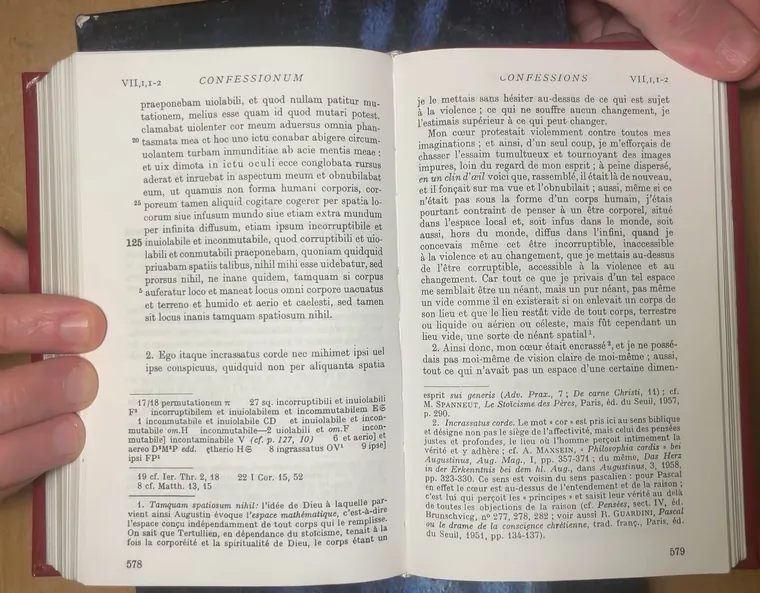
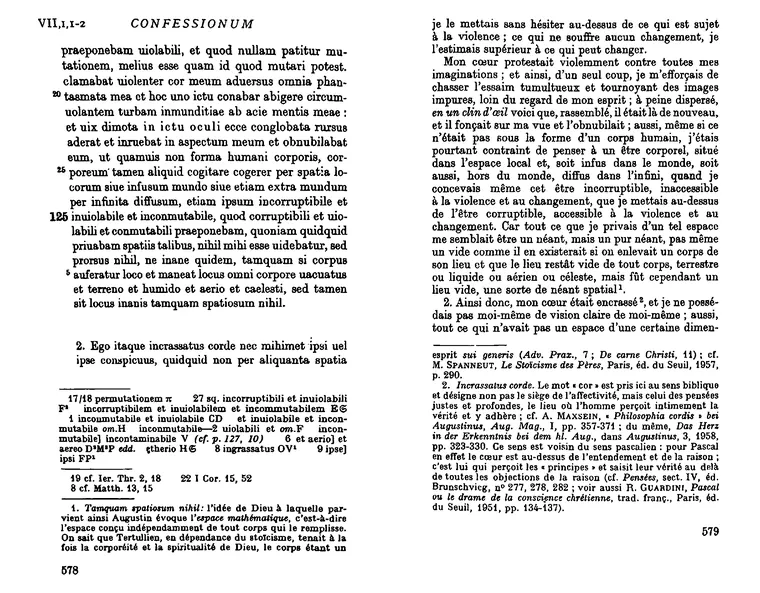
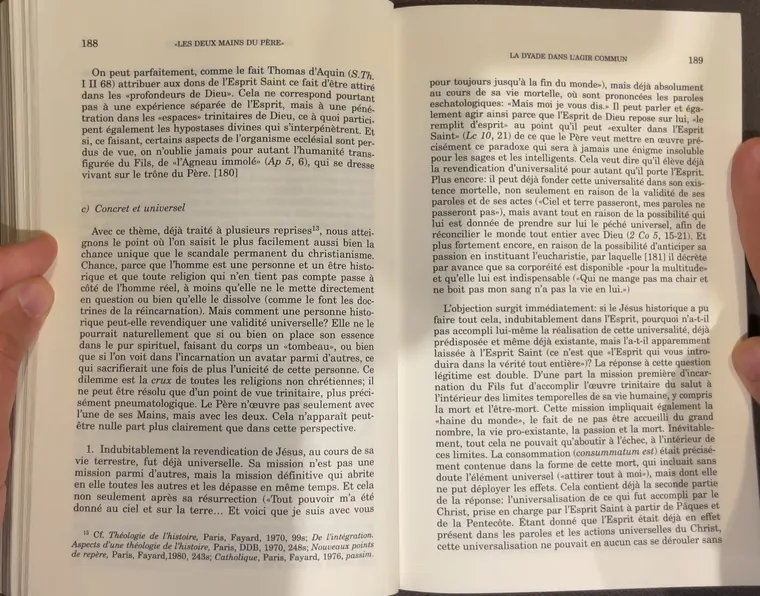
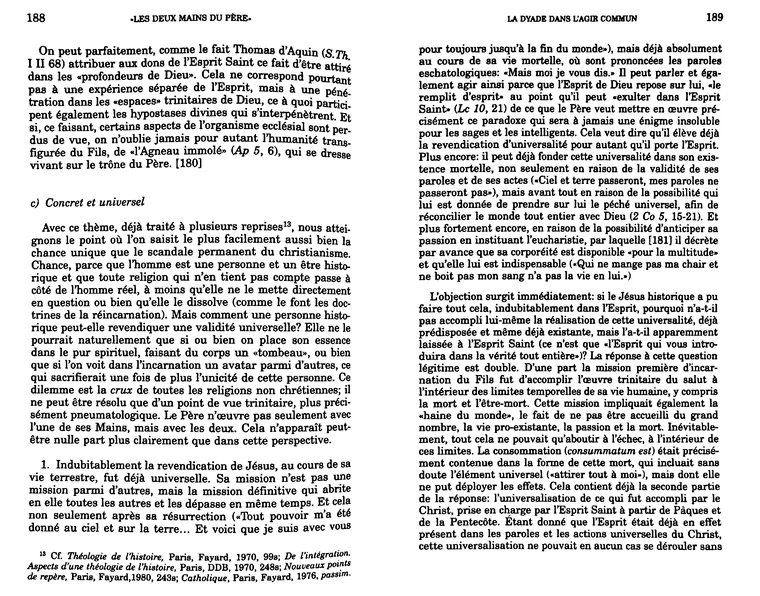
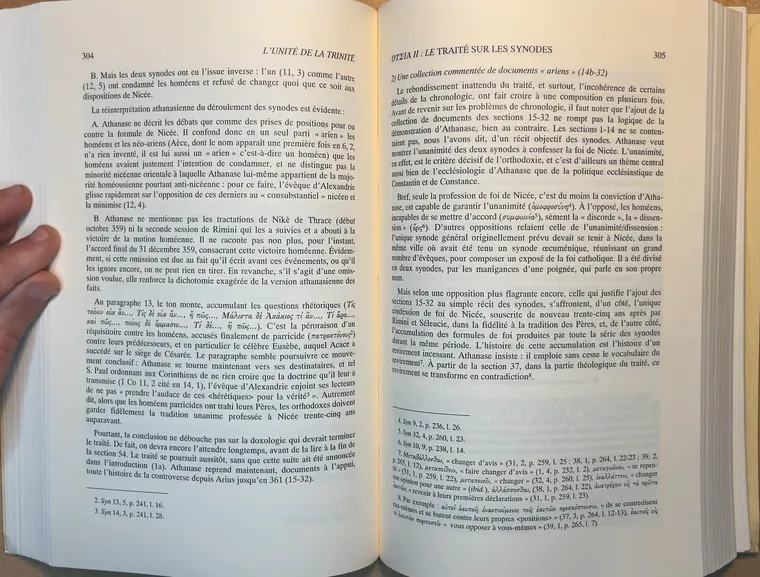
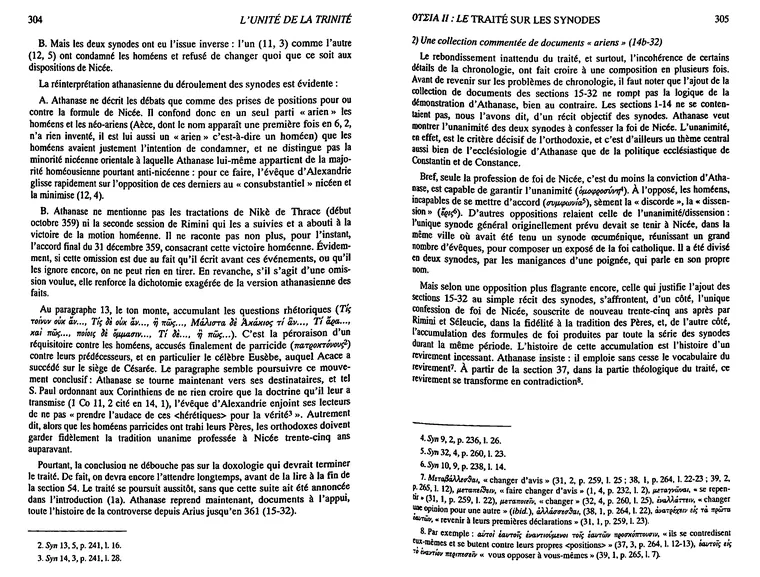
Whether you're scanning books, spiral-bound reports, or loose sheets of paper, there's a specially curated pipeline for you.
Point your phone or webcam at the page and shoot — hands-free with voice control, no flatbed, no app-switching. Already have files? Import your PDFs and images straight in.
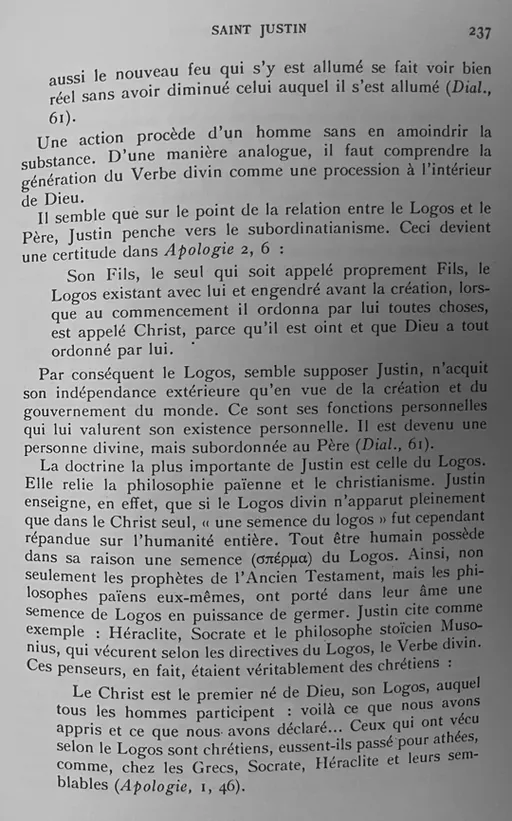
Isolate the text content, straighten it, and remove perspective and page-curvature distortion. Make your text pop with advanced binarization techniques.
Fast and coarse or slow and precise; local (Apple Vision, Apple Document AI, Surya, GLM-OCR) or cloud-based (Mistral OCR) — use the OCR that suits your project.
A clean, searchable PDF for your digital archives or printouts? A well-structured Markdown file to feed your favorite LLM workflows? Both at once, with the OCR provenance, in one textpack archive for your library? Aglaïa gives you what you need — and a text layer it checks, rather than a PDF that only looks searchable.
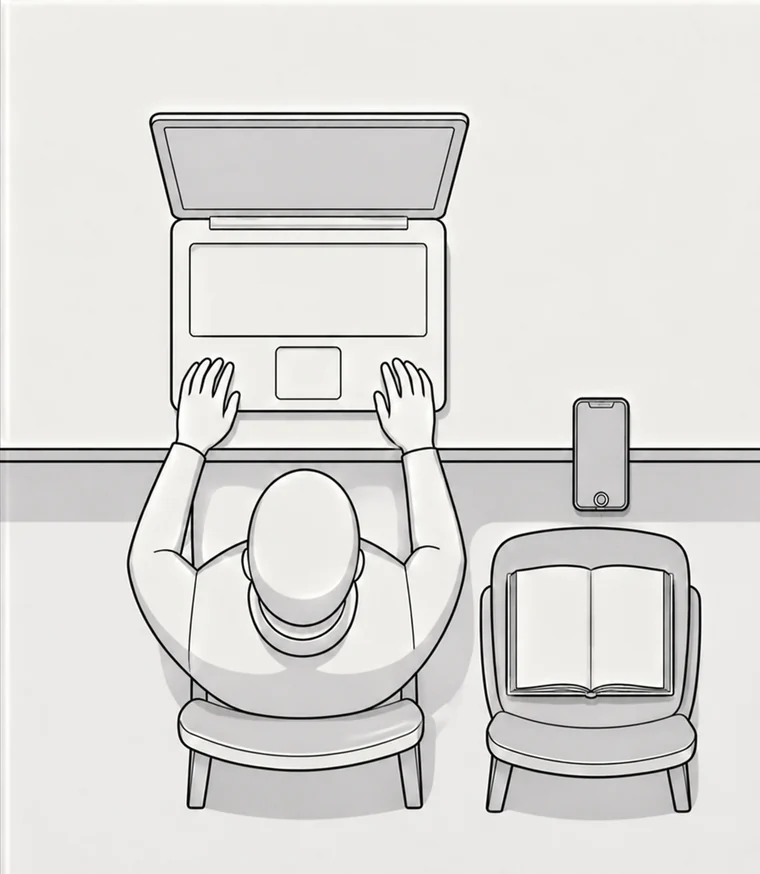
Put your phone on your desk, your book on a chair, et voilà !
With a typical capacity of more than 1 page per second and a sub-2 seconds latency per scan, you may not turn the pages fast enough to overwhelm Aglaïa.
Flattening a curved page is a fitting problem, and fitting is where the time goes. Aglaïa solves it with a Levenberg–Marquardt optimizer written for this problem in particular: analytic Jacobians instead of finite differences, and a Hessian whose sparse arrowhead structure is exploited rather than ignored — so each iteration costs a fraction of the general-purpose solve, and there are far fewer of them.
No idea what I am talking about? IT’S FAST 🔥🔥🔥
headless mode · full chain, dewarp included · longer bar = more pages per minute
Smart replay — no iterative distortion.
Deskew, keystone correction and dewarp each resample the image. Chain them naïvely and every pass softens and warps the pixels a little more — glyph edges crumble.
Aglaïa keeps track of the operations and at the end composes the perfect blend of geometric and morphological transforms to give you the sharpest result.
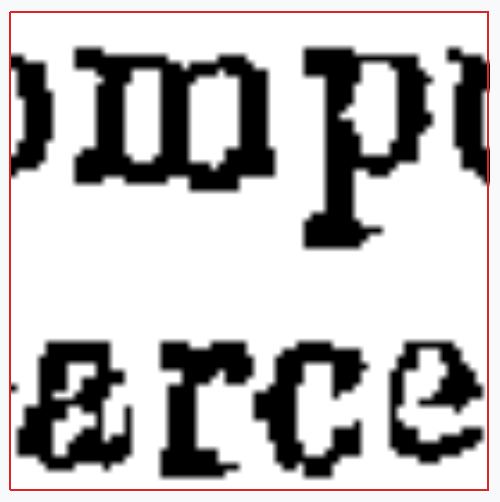
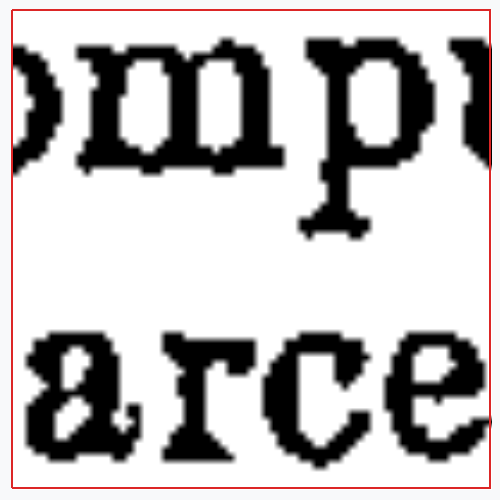
Every stage is persisted, inspectable and replayable.
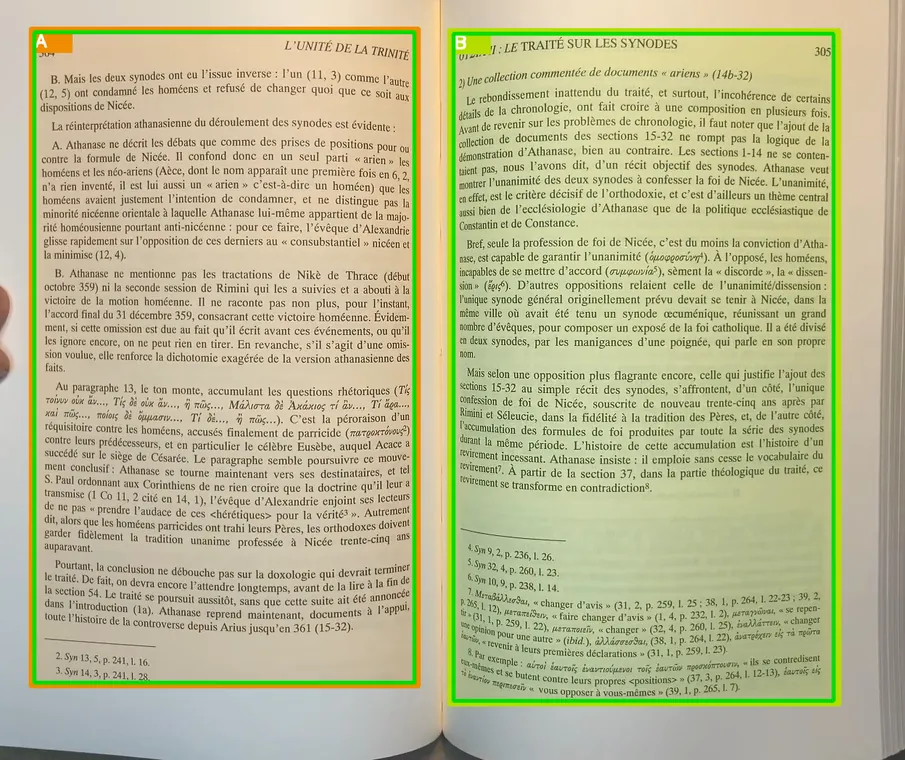
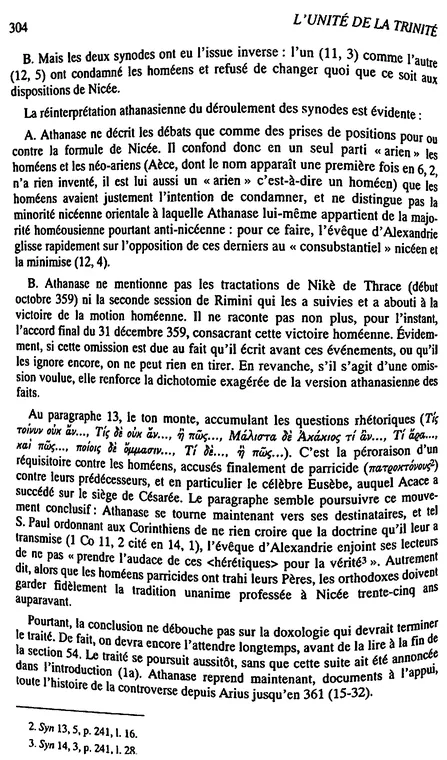
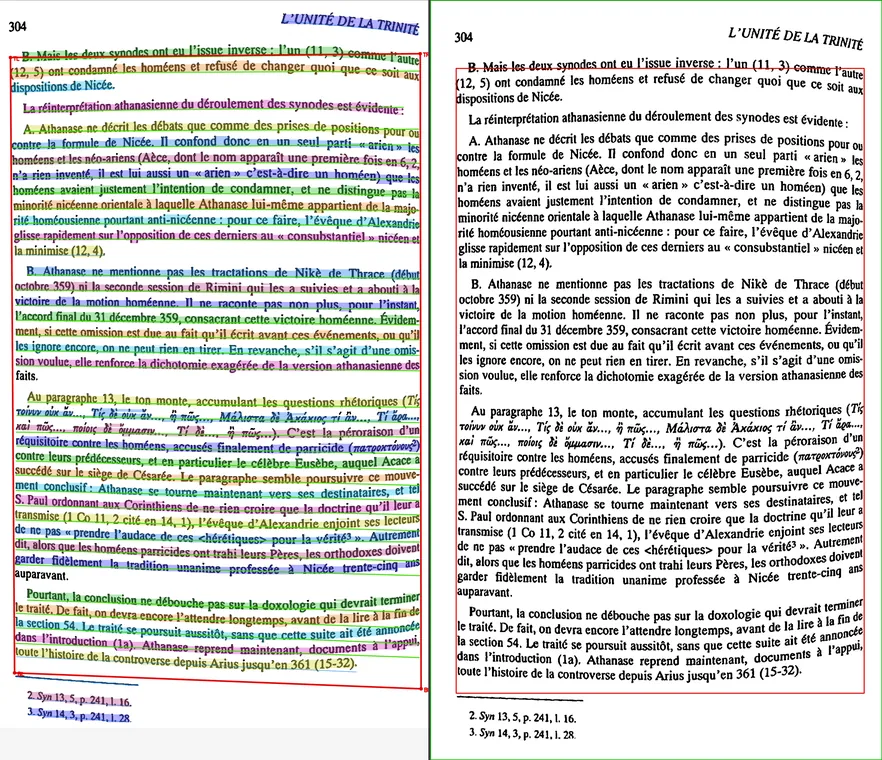
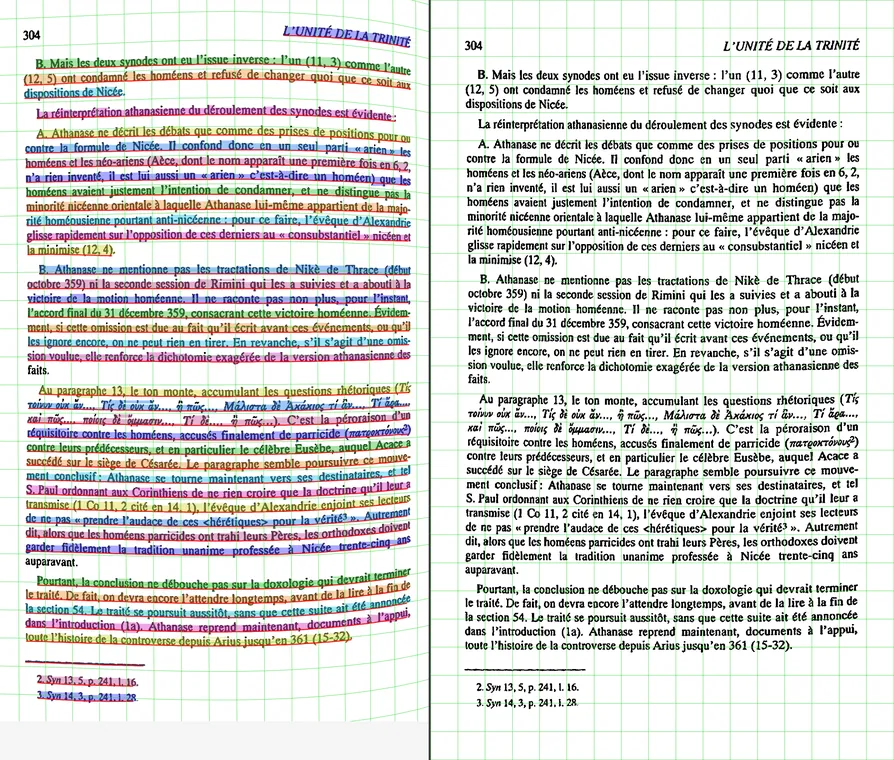
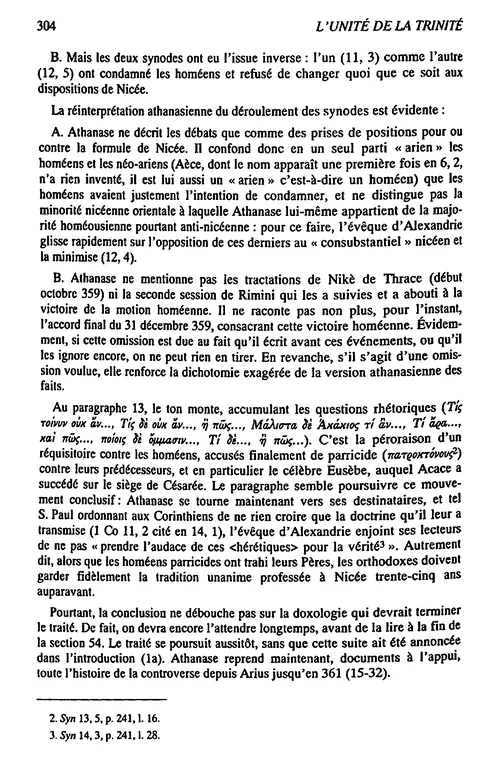
scroll →
Unleash the computer-vision and data-science nerd within you.
Run the end-to-end pipeline from the command line.
Install a processing step, an OCR engine or an export destination in one click — or write your own in Python, for the task at hand.
Your OCR engine, your destination: send a finished export to Kindle, to Calibre, to a folder, or to your own library — and tune any page by hand when the automatic answer is not the one you wanted.
GUI builds: macOS .dmg · Windows installer · Linux AppImage (above). For a CLI-only or scripted setup, use uv or pip on any platform.
# macOS, Apple Silicon
brew tap yb85/aglaia https://github.com/yb85/aglaia
brew trust yb85/aglaia              # Homebrew 6.x: trust the third-party tap

brew install --cask aglaia          # the GUI app (notarized DMG) — recommended
# or, run from a terminal instead of a .app double-click:
brew install aglaia-cli             # same full app, launched via `aglaia …`
brew install aglaia-cli --without-gui   # lighter: CLI-only, no Qt/GUI

aglaia ~/scans/my-book
# build from source with the extras you want
git clone https://github.com/yb85/aglaia.git && cd aglaia
uv sync --extra gui --extra macos # macOS GUI: Vision, Speech, MLX dewarp
uv sync --extra gui # Windows / Linux GUI (Qt only)
uv sync # headless: CLI pipeline, no Qt
# add any of:
# --extra macos # Apple Vision + Apple Document AI OCR, MLX local VLM OCR
# --extra cuda # NVIDIA local VLM OCR (vLLM, Linux)
# --extra voice # offline voice control (Vosk, cross-platform)
# --extra cloud # Mistral cloud OCR + OS-keychain key storage
# --extra server # HTTP job API (`aglaia server`)
uv run aglaia ~/scans/my-book # GUI; `aglaia run …` to batch headlessly# from PyPI — installs the `aglaia` command
pip install aglaia # lean base: headless pipeline, no Qt
pip install "aglaia[gui]" # Windows / Linux GUI (Qt)
pip install "aglaia[gui,macos]" # macOS GUI: Vision, Speech, MLX dewarp
# Local VLM OCR (GLM / Surya) rides the platform backend:
# pip install "aglaia[macos]" # Apple Silicon (MLX)
# pip install "aglaia[cuda]" # NVIDIA (vLLM)
# Apple Vision OCR needs no extra — it ships with [macos].
# pip install "aglaia[server]" # HTTP job API (`aglaia server`)
aglaia ~/scans/my-book # opens the GUI
aglaia run ~/scans/*.jpg # headless batch| Commercial solution | Aglaïa | |
|---|---|---|
| Curve removal | ||
| Purpose | Facsimile | Pure text |
| Fully automatic | Depends on the model | |
| Hardware | Specialized rig | Mobile phone + laptop |
| Portability | ||
| Price | ≥ $330 | Free, voluntary donation |
| Speed | 40 pages/min | 100–200 pages/min (on a laptop CPU) |
| Extendable? | Closed source / proprietary | Desktop source-available* |
* The desktop app (macOS · Windows · Linux) is source-available: personal modifications and contributions welcome; competitive redistribution (SaaS, repackaging) prohibited.
Free — and the desktop app is source-available*, yours to extend.
Every build runs the page-dewarp fit on the CPU — the LM solver needs no GPU. Prefer a package manager? CLI install.